2025
Motivation
This project was driven by a desire to support mental well-being through design. It explores how digital experiences can encourage self-reflection, mindfulness, and self-awareness, drawing inspiration from principles of art therapy.
At the same time, the goal was to make art more approachable. By lowering the barrier to creation, the app encourages users to explore their creativity without pressure, while also offering an element of learning and personal growth.
Finally, the project aims to foster social connection: creating opportunities for interaction, shared expression, and a sense of belonging within a community.
Usage environment
Daily routine integration
Morning ritual to set a reflective tone for the day
Evening reflection to wind down and reflect
Therapeutic settings
Self-reflection and creative expression as part of mindfulness practices
On the go
Turning idle time or breaks into a recharging moment
Social and collaborative settings
Sharing art to connect with other people
Users
Emma - The Mindful Explorer
28, Marketing Manager
Emma loves using creative activities to unwind after work and stay mindful. She is always on the lookout for tools that help her practice self-care and maintain emotional balance.
She struggles with stress from work and often finds it hard to relax at the end of the day.
Emma uses the app to reflect on her emotions through art and incorporate creativity into her evening mindfulness routine.
Daniel - The Aspiring Artist
21, Graphic Design Student
Daniel is keen to explore digital art, experiment with AI tools, and find new ways to project his emotions or ideas in a visual way.
He is curious about generative art but feels overwhelmed by advanced tools and software requiring coding skills.
Daniel uses the app to explore new possibilities with AI, generating unique artwork that enhances his creative portfolio. He shares these creations in online communities to fuel his artistic growth.
Outcome
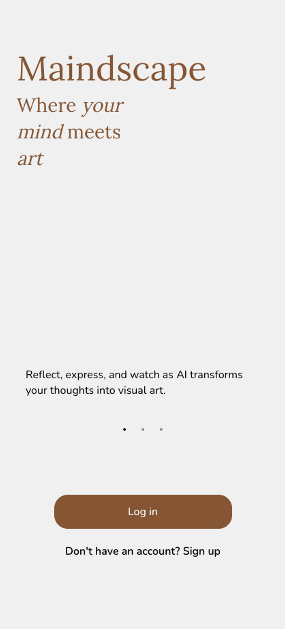
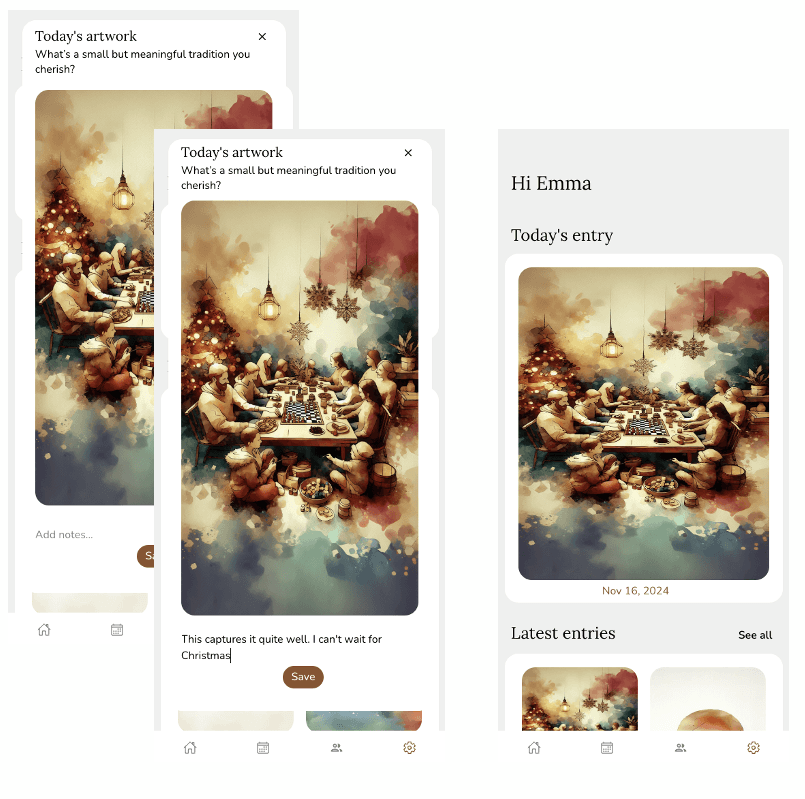
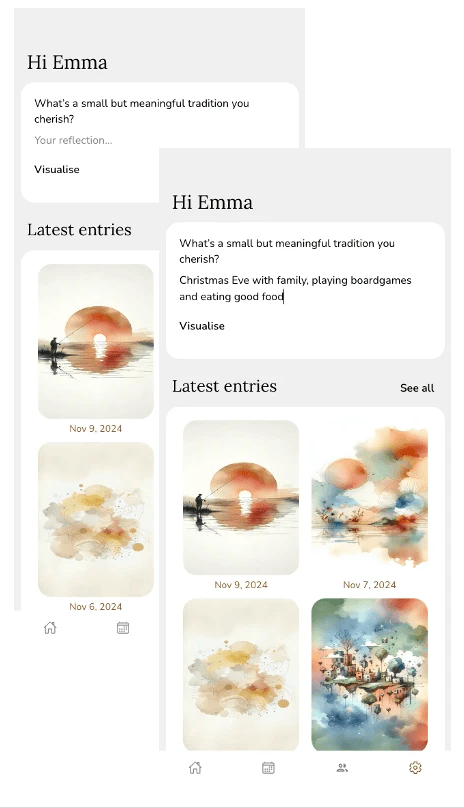
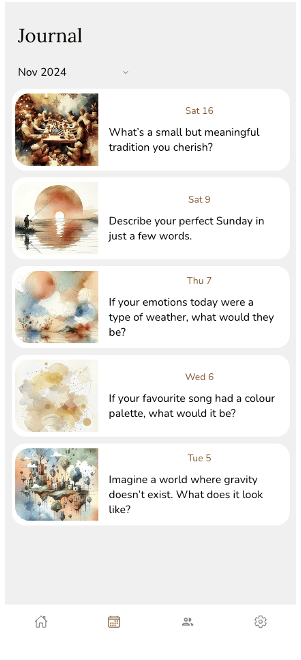
Maindscape is a mobile app that provides users with daily generative art based on prompts. Users input their thoughts, ideas, or emotions for the day, and the app generates a unique piece of art inspired by their input, creating a daily art journal over time:
1) Slow down and explore your thoughts with the daily prompt
2) Watch your unique artwork come to life, write down your insights, and save it for later
3) Revisit past reflections and use optional trackers to support your self-reflection habits
4) Access and modify any of your journal entries at any time
Usability testing
I conducted in-person usability testing with two participants (one female, one male), both around 30 years old. The sessions focused on key interactions such as responding to daily prompts, navigating journal entries, and using tracking features.
Overall, the interface was perceived as intuitive and easy to navigate. However, several opportunities for improvement emerged:
Users wanted more control over generated artwork, such as selecting styles or choosing from multiple options
A search function for journal entries was requested
Some flat buttons were not immediately recognised as interactive, leading to updates with clearer visual affordances
Participants suggested adding trend tracking features (e.g. most common words, emotions, or themes over time)
Next steps
Testing and iteration
Further usability testing with a broader user base would help validate and refine the experience. Continuous iteration based on user feedback remains a key priority.
Pre-launch and marketing
To build early interest, next steps would include creating social media channels to share previews of the app and launching a waitlist. Content marketing would also be used to educate potential users about the value of creative journalling.
Launch strategy
The app would be released initially to a smaller audience (soft launch) to gather final feedback and make adjustments before a wider release.
Post-launch development
Ongoing improvements would focus on monitoring performance and engagement, collecting user feedback, and delivering regular updates with new features and fixes. Planned enhancements include social features (excluded from the MVP) and improved responsiveness for tablet and desktop use.
Community building
A strong community would be fostered through social media by sharing journaling tips, mindfulness practices, creative prompts, and inspirational content. The goal is to encourage two-way interaction through discussions, feedback, and user-generated content, while also offering added value such as free resources and early access opportunities.
Key learnings
Doing this project on my own, I gained practical experience in managing the digital service development from ideation to hi-fi prototype. This involved setting clear goals, managing timelines, and overseeing the project’s progress. Moreover, I developed skills in reporting progress and presenting updates as we had regular status meetings during the course where we had to present our work. I honed my ability to think creatively and critically when generating and refining ideas, strengthened my ability to iterate based on received feedback and literature review findings.
I had not really used no-code tools before so building a hi-fi prototype in Bubble.io taught me a lot about them. I encountered technical challenges that helped me develop my problem-solving skills and understanding of no-code development limitations and opportunities.
Design sandbox
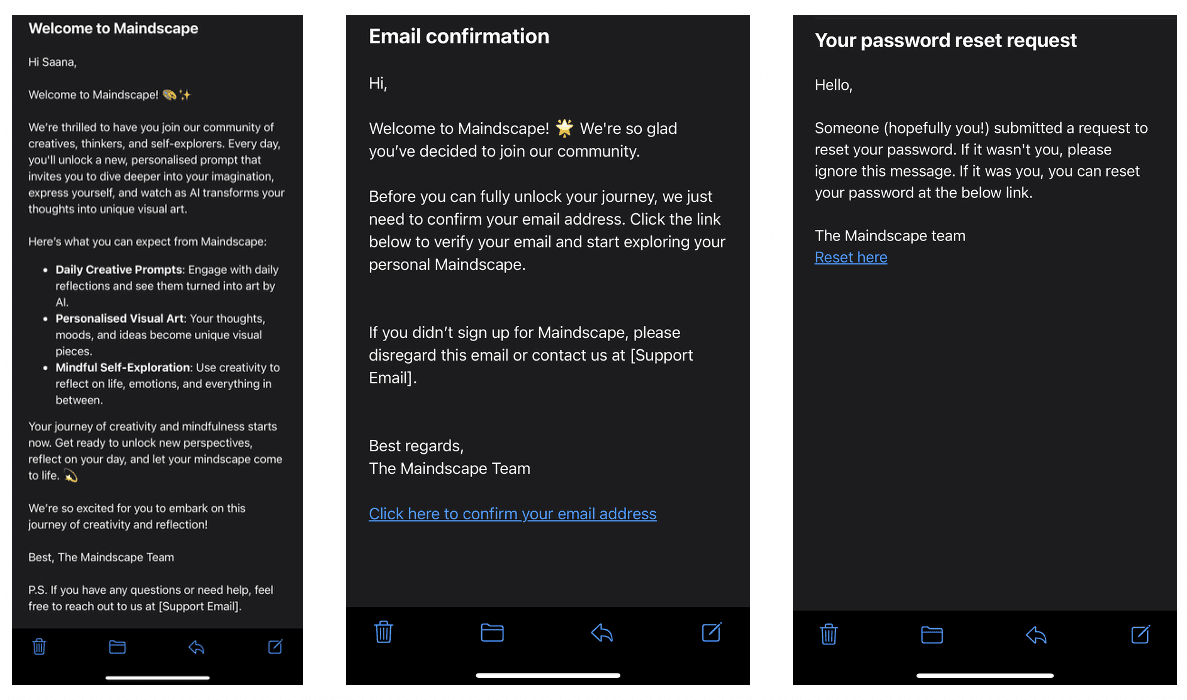
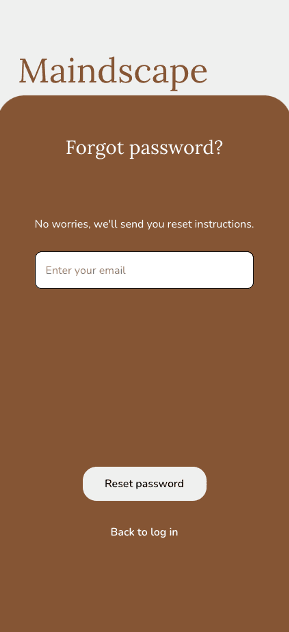
Emails sent to users
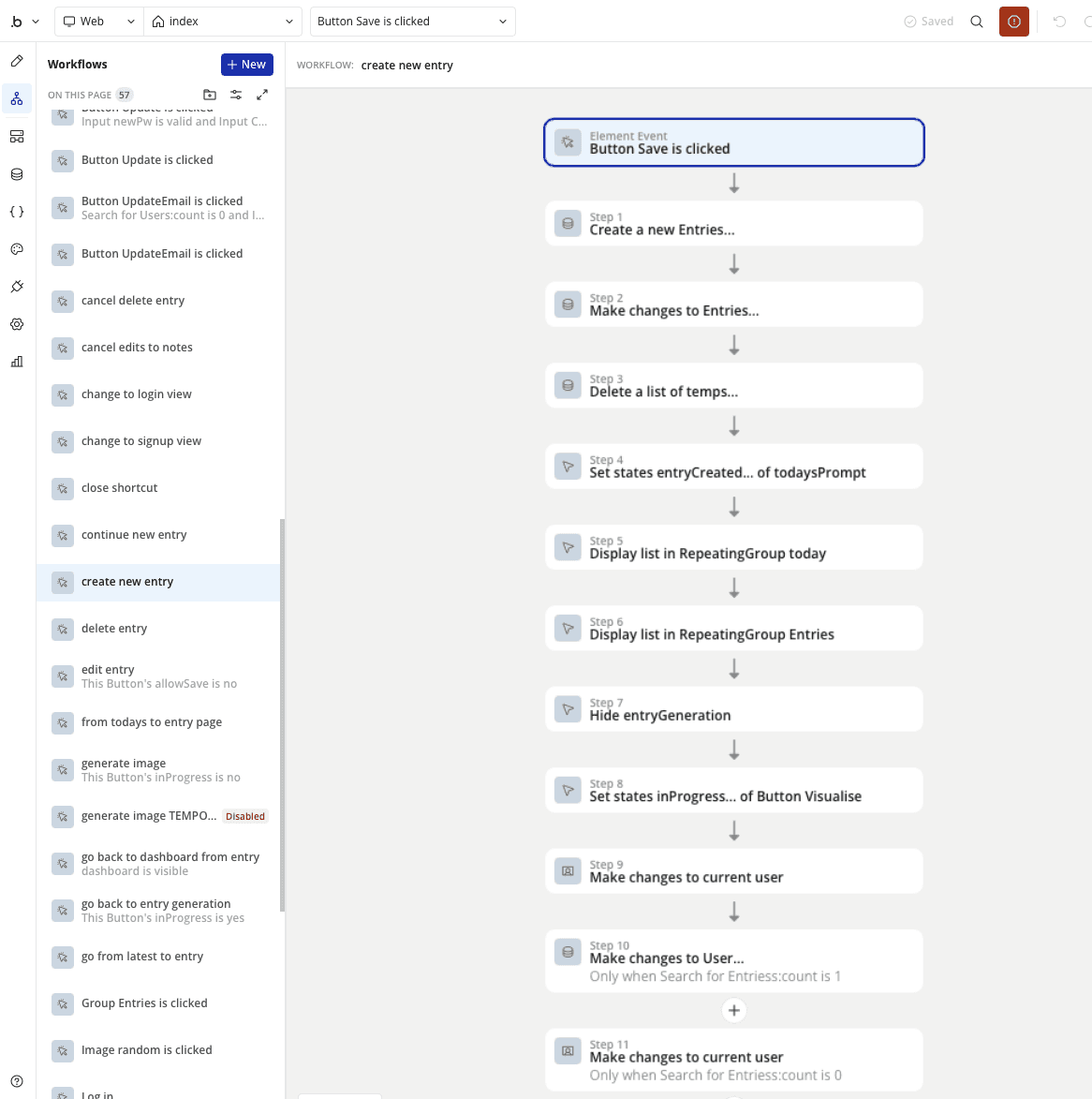
Built in Bubble.io which comes with built-in database, user authentication, and workflows
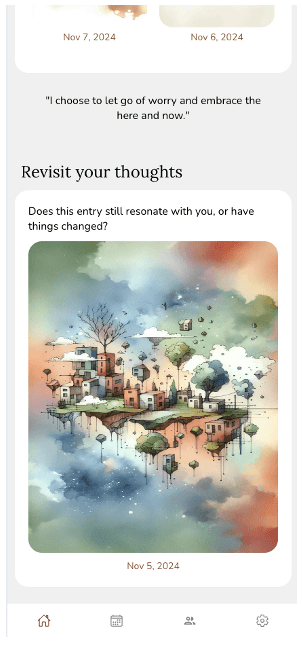
Maindscape generates an image based on user input: